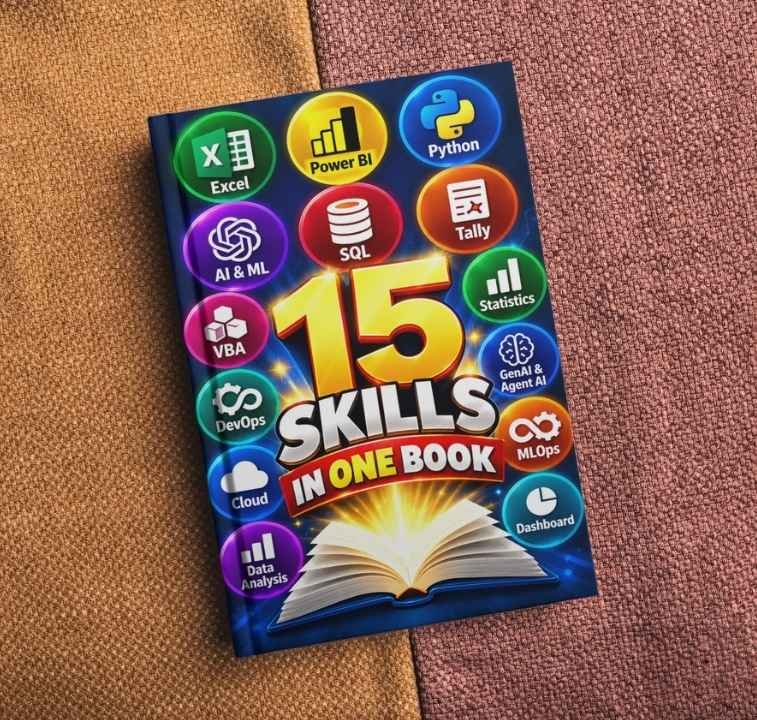


LATEST EXCEL EBOOK LAUNCHED
Exciting news! We’ve launched our Ultimate Excel eBook! Whether you’re a beginner or advanced user, it covers everything from basic functions to advanced features like data analysis. Improve your Excel skills with clear instructions and practical examples. Get your book now and master Excel effortlessly.
-
270+ POWERFUL SHORTCUT KEYS WITH SCREENSHOTS
Rated 5.00 out of 5₹200.00Original price was: ₹200.00.₹99.00Current price is: ₹99.00. Add to cartAdd to WishlistAdd to Wishlist -
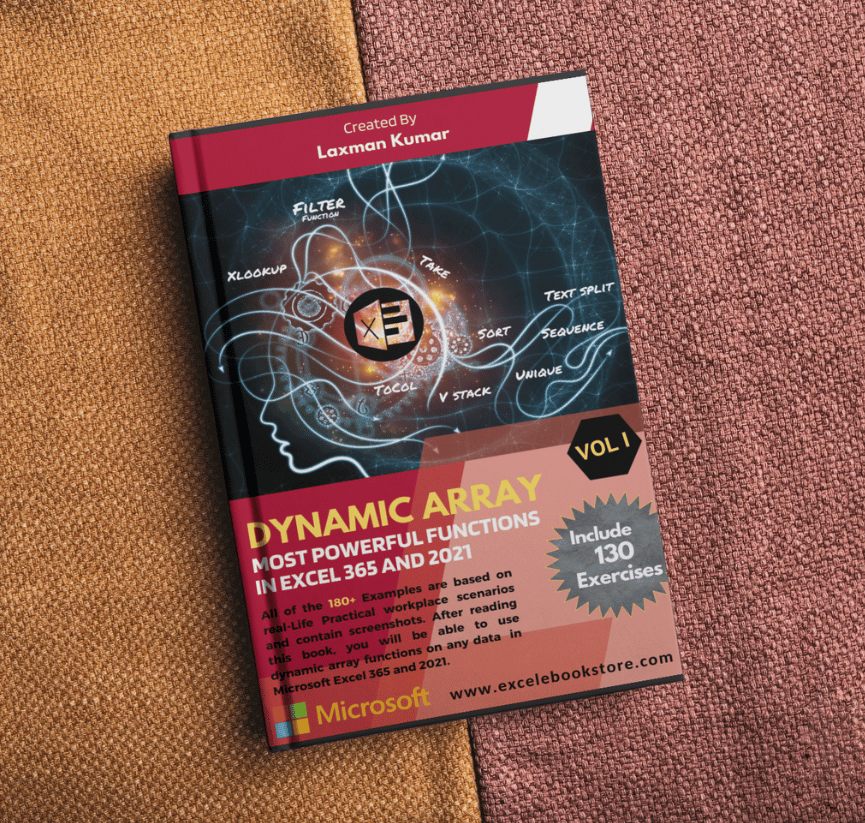
30+ DYNAMIC ARRAY FUNCTIONS FOR EXCEL 365 AND GOOGLE SHEETS VOL.1
Rated 5.00 out of 5₹600.00Original price was: ₹600.00.₹299.00Current price is: ₹299.00. Add to cartAdd to WishlistAdd to Wishlist -
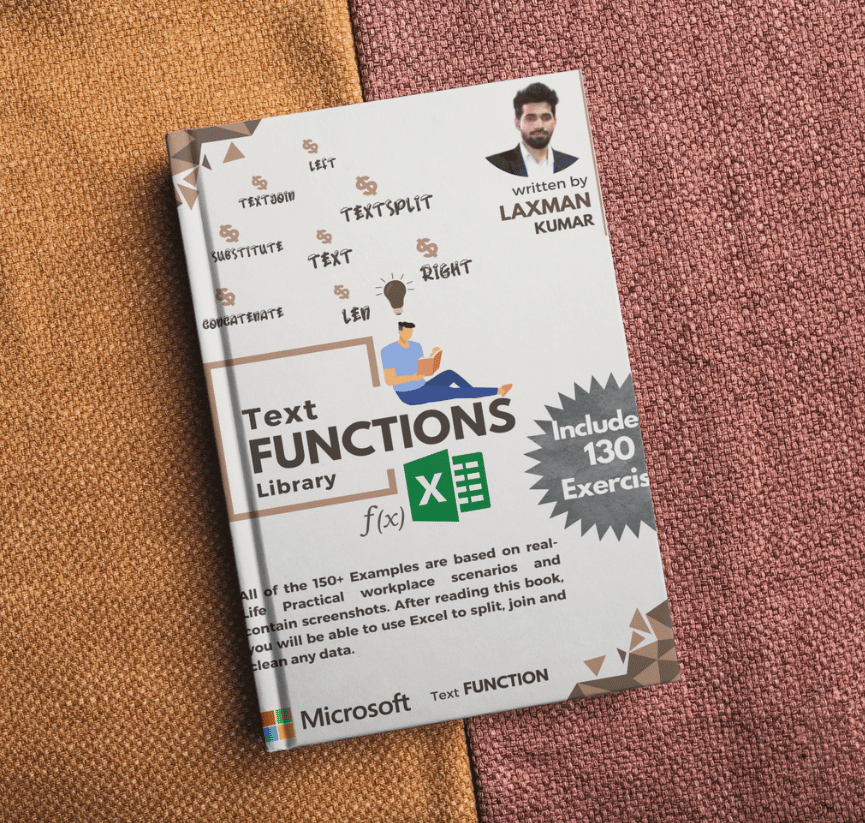
30+ Text Functions for Cleaning Data with 150+ Examples (Excel and Google Sheet)
Rated 5.00 out of 5₹600.00Original price was: ₹600.00.₹299.00Current price is: ₹299.00. Add to cartAdd to WishlistAdd to Wishlist -
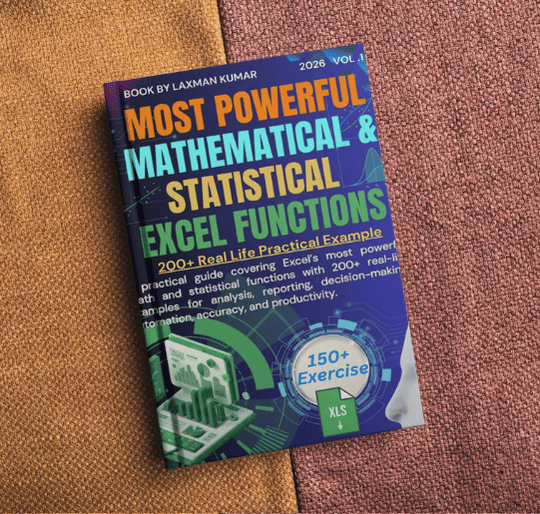
50+ Mathematical and Satistical Functions with 200+ Examples For (Excel and Google sheets)
₹600.00Original price was: ₹600.00.₹299.00Current price is: ₹299.00. Add to cartAdd to WishlistAdd to Wishlist -
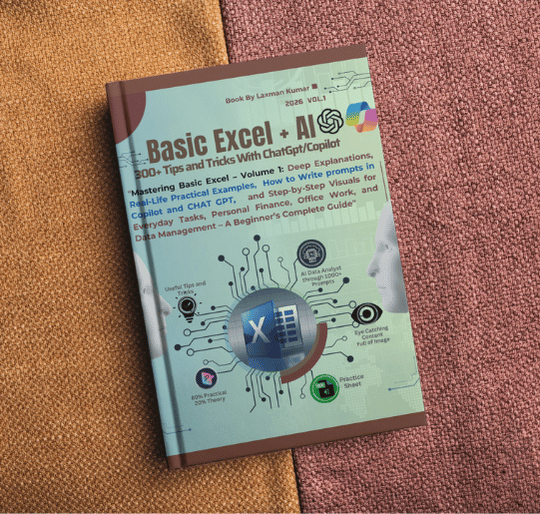
BASIC EXCEL+AI With 300+Tips And Tricks Or 1000+ Prompts
₹600.00Original price was: ₹600.00.₹299.00Current price is: ₹299.00. Add to cartAdd to WishlistAdd to Wishlist -
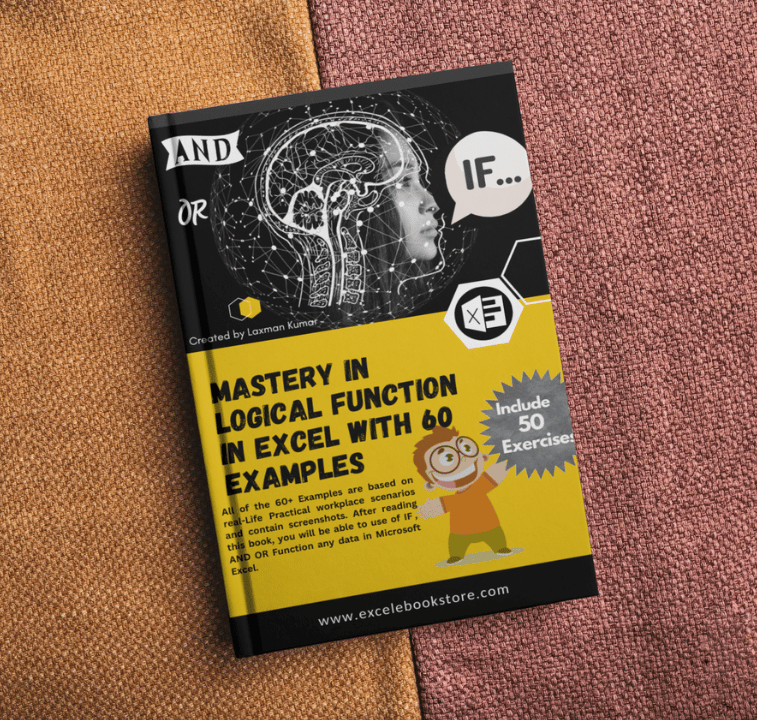
POWERFUL LOGICAL FUNCTIONS (IF, AND, OR) FOR (EXCEL AND GOOGLE SHEETS)
₹400.00Original price was: ₹400.00.₹199.00Current price is: ₹199.00. Add to cartAdd to WishlistAdd to Wishlist
Excel eBook Benefits Video in Hindi
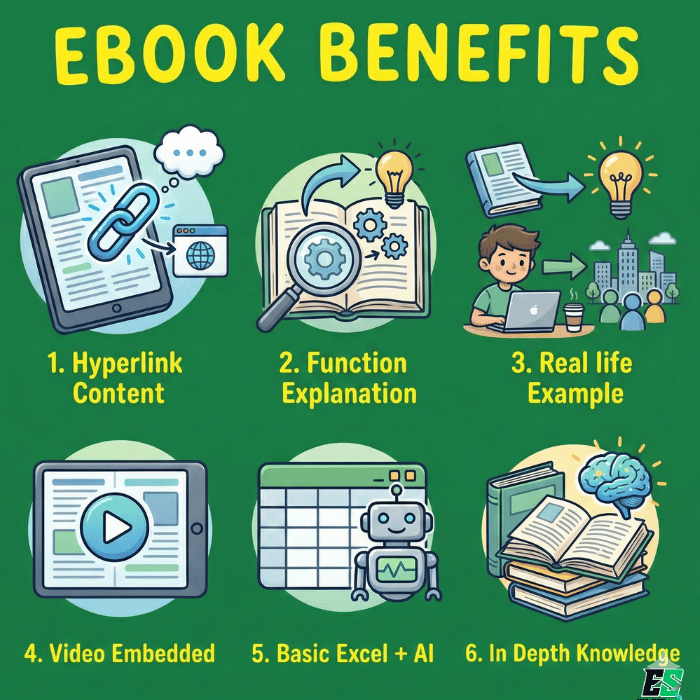
This Excel eBook is designed for practical learning with included Practice Sheets, step-by-step Videos, and real-world Practical Examples to help you apply concepts instantly. The book features Hyperlinked Content for quick navigation, making it easy to learn any topic anytime without confusion.With a colourful, well-structured design and hands-on approach, this eBook makes mastering Excel faster, smarter, and more engaging. Watch video👇
Playlist
1:14
1:14
0:54
1:02
0:52
1:14
WHY CHOOSE EXCEL EBOOKS?
Why choose our Excel eBook? It's designed for everyone, whether you're starting out or already experienced. With easy-to-follow steps and real-world examples, you'll learn to use Excel efficiently for tasks like analyzing data and automating processes. It's the perfect resource to boost your skills and productivity in Excel!
In Depth Knowledge
In-Depth Excel Pro
Fully Hyperlink Content
Smart Navigation
Real Life Example
Practical Applications
Functions Explaination
Formula Mastery
Exercise and Video Link
In-Depth Excel Pro
Basic Excel + AI
In-Depth Excel Pro
Check out our video review
Watch our Excel eBook videos to see how you can benefit from the eBook! These videos provide visual tutorials on key topics, making it easier to understand and apply Excel skills. Learn how to boost productivity, analyze data efficiently, and automate tasks. Enhance your Excel expertise with our engaging and practical video guides.
Exciting News: Our New Excel eBook is Launching Soon!
We are thrilled to announce the upcoming release of our comprehensive Excel eBook, designed to take your spreadsheet skills to the next level. Whether you’re a beginner looking to grasp the basics or an advanced user aiming to master complex functions, this eBook has something for everyone.

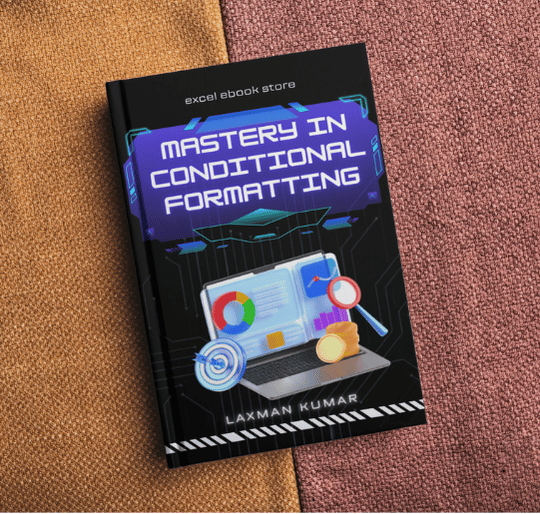
Conditional Formatting WIth 100+ Tips and Tricks
Launch Date :- 05/Mar/2026

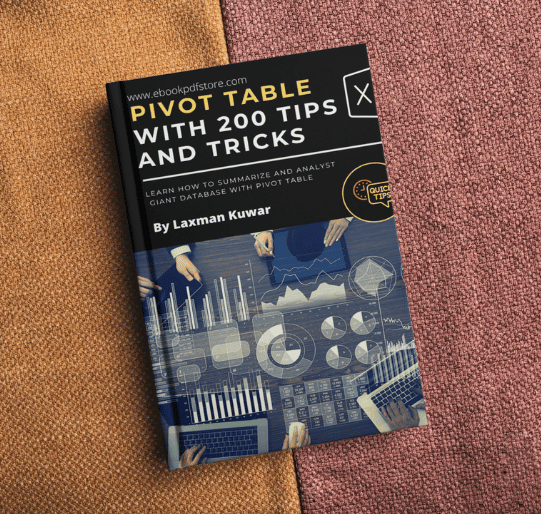
Pivot Table With Pivot Charts (200+ Example)
Launch Date :- 25/Mar/2026

Advanced Dynamic Array Function Vol.2
Launch Date :- 25/Apr/2026

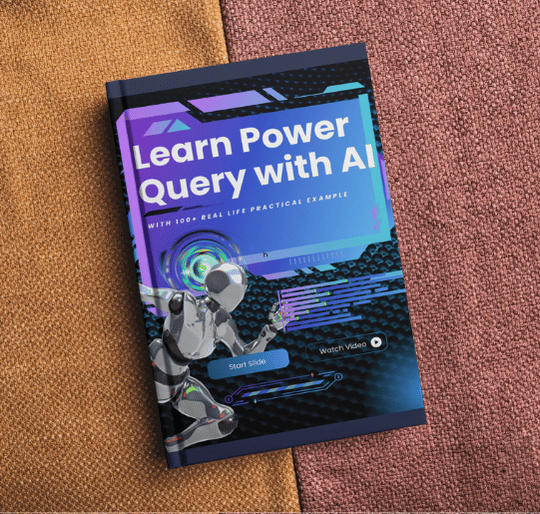
Power Query (M) with AI (100+ Real life Example
Launch Date :- 25/May/2026

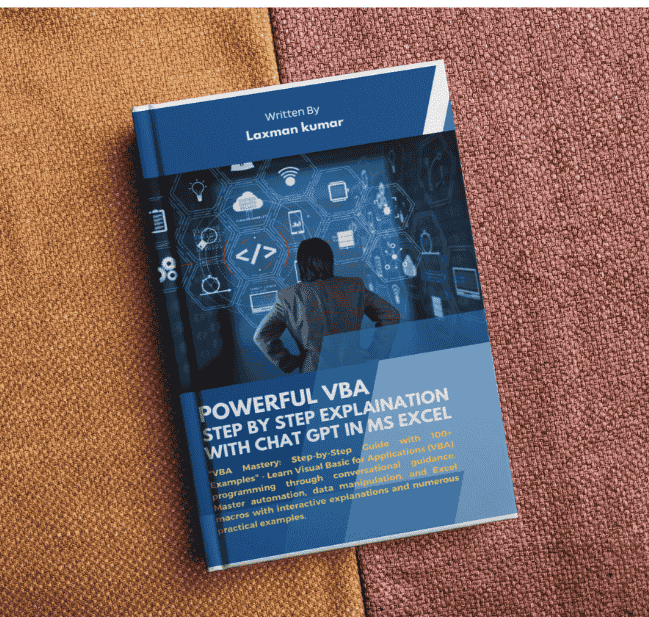
VBA Explain WIth AI for automation Task
Launch Date :- 25/July/2026

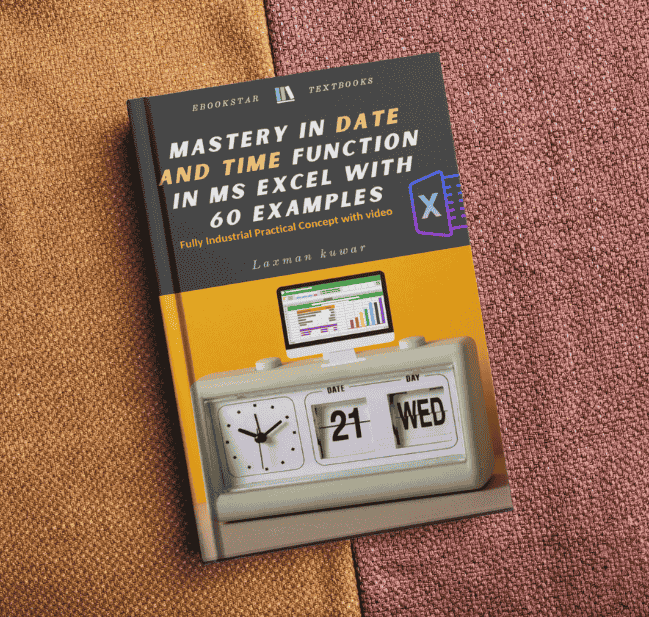
Date and Time Functions With 70+ Example
Launch Date :- 25/Aug/2026

Financial Statement in Tally with 150+ Example
Launch Date :- 25/Sep/2026

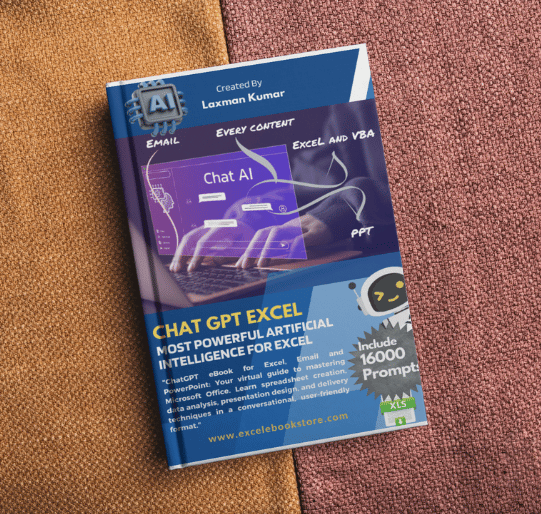
AI Agent Chat Gpt Excel for Automation Task
Launch Date :- 25/Nov/2026
About the Laxman Kumar
Expertise
Proficient in Excel for data analysis, financial modeling, and accounts management, with expertise in formulas, functions, and pivot tables and software. Skilled in problem-solving, teamwork, and continuous learning.
Professional Experience
Proficient in MS Excel, adept at data analysis, formula writing, and financial modeling. Experienced in accounting principles, financial statement preparation, and software. Skilled in problem-solving, teamwork, and continuous learning.
Achievements
Laxman Kumar is the Creater of more than five ebooks and has extensive experience in the fields of Ms excel, Management Information Systems, Accounting, and Graphic Design.

Dedicated Support
24 X 7 Whatsapp Support

Satisfication Guarantee
Excel Your Satisfication

Low Price Guarantee
We offer Competative Price

Instant Downlaod Pdf Ebook
Excel productivity Book
Ebook Sold
Satisfied Customer
Ebook Launched
Ebook Coming Soon
Improve Your Excel Productivity
Our Classes
SEMI PRIVATE
Training
Get one-to-one consultation, learn how to apply Excel skills in real work, use ready cheat sheets, and create professional templates with ease.
Follow a weekly roadmap and discover how to integrate AI tools to automate tasks, analyze data smarter, and boost productivity.
main features of ebook
Get one-to-one consultation,    How to Apply Excel skill,
Professional Templates,
Integrate AI Tools in EXcel,
Full road Map for excel.
Weekly Progress Reviews
- Hyperlinik content
- Formula explaination
- Real Life Example
- Video Link in Ebook
- AI integration
- Excel Templates
Learn Excel With Premium Plan
Basic Plan
All Book Access + video-
All Ebook Access with Practice Sheet
-
5 Face to Face Session + Exercise
-
Real life Example + Exercise
-
Excel With AI Copilot + Claude
-
10 Most Used Excel Templates
Popular Plan
All Book Access + video-
All Ebook Access with Practice Sheet
-
10 Face to Face Session + Exercise
-
Real Life Example + Exercise
-
Excel With AI Copilot + Claude
-
1 Year Support
Premium Plan
All Book Access + video-
All Ebook Access with Practice Sheet
-
15 Face to Face Session + Exercise
-
All Excel Templates and Dasboard
-
Excel With AI Copilot + Claude
-
Life Time Support
FAQ
ask us
anything
Q1. Why did you create this eBook?
This eBook was created to provide in-depth knowledge in one place so learners don’t have to waste time searching through countless YouTube videos. With multiple practical examples, it builds strong concepts and helps you handle real-life Excel situations confidently.
Q2. What kind of knowledge does this eBook provide?
This eBook provides in-depth knowledge of Excel formulas, tools, tabs, and AI integration, helping you confidently solve real-world problems with professional efficiency.
Q3. Does this eBook include real-life examples?
Absolutely. It contains practical, real-life examples and hands-on exercises to build your understanding and confidence.
Q4. Is the content easy to navigate?
Yes, the eBook includes fully hyperlinked content, allowing you to quickly move between topics through a well-structured system.
Q5. Are Excel functions explained clearly?
 Yes, complex formulas and functions such as nested functions, array formulas, conditional logic, lookup functions, and dynamic arrays are explained in a simple, structured way.
Q6. Are there exercises and video resources included?
Yes, the eBook includes practice exercises along with video links in ebook to support step-by-step learning.
Q7. Does this eBook cover AI integration with Excel?
Yes, it includes practical guidance on using AI tools like Copilot and ChatGPT to automate tasks, generate formulas, and analyze data more efficiently. In Our Latest Book (Basic Excel + AI)
Q8. How often is the eBook updated?
The eBook is regularly updated every 3 months to include new features, improved examples, and the latest Excel advancements. if you have already buy you can access update ebook whenever release.
Q9. Do you release new eBooks regularly?
Yes, a new eBook is launched every month on our website to help learners continue upgrading their skills.Toggle Content
Q10. How can I get support if I have questions?
You can contact our support team anytime via email at laxman@excelebookstore.com and ebookpdfstar@gmail.com, and we will be happy to assist you.le Content
Q11. Who should use this eBook?
This eBook is ideal for students, professionals, and anyone who wants to improve Excel skills with practical and modern learning methods.
Join Our Newsletter
A short introduction to the workshop instructors and why their background should inspire potential student’s confidence.